Classroom library labels that kids can actually use
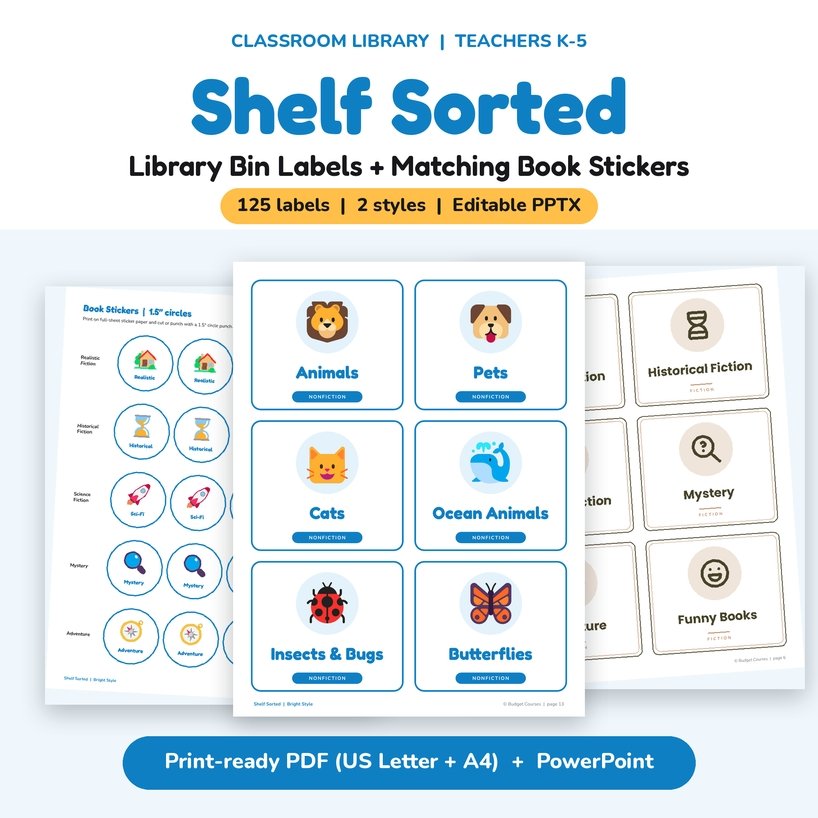
Shelf Sorted is a set of classroom library labels with matching book stickers for K-5 teachers. You get 125 ready-made book bin labels, a round sticker for every label in two sizes (1 inch and 1.5 inches), blank editable labels, a six-page checkout system and nine library posters. Every page comes in two complete styles, Bright and Calm, as print-ready PDFs in US Letter and A4 plus editable PowerPoint files.
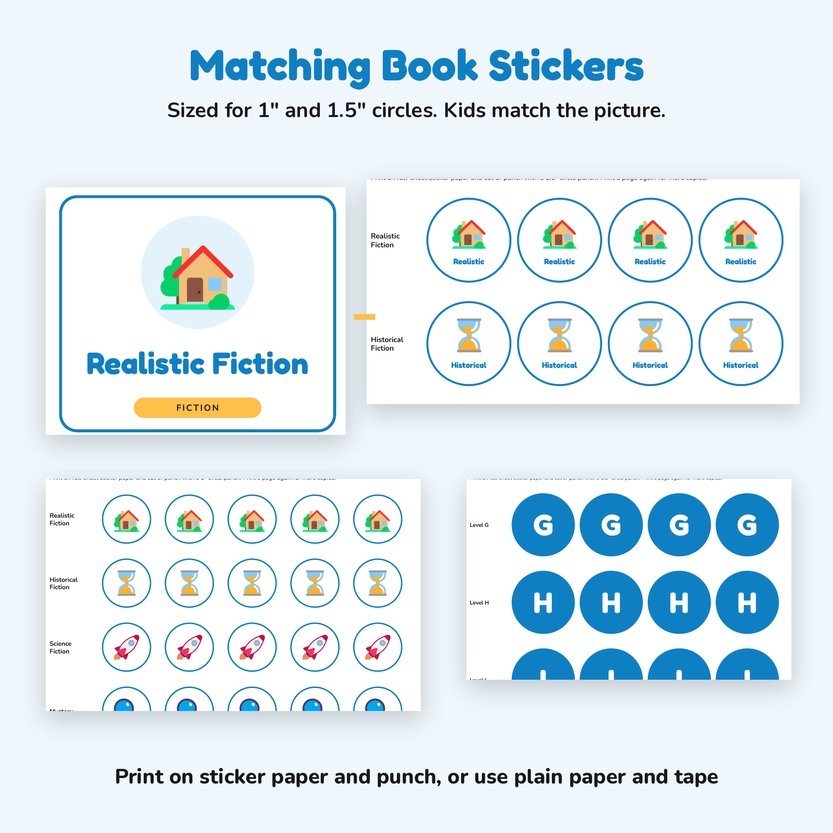
The idea is simple. Each bin label has a picture, and every book in that bin gets a sticker with the same picture. A kindergartner who cannot read the word “Dinosaurs” yet can still match the little green dinosaur on the book to the dinosaur on the bin. Books go back where they belong, and your library stays sorted after the first week.
What is included
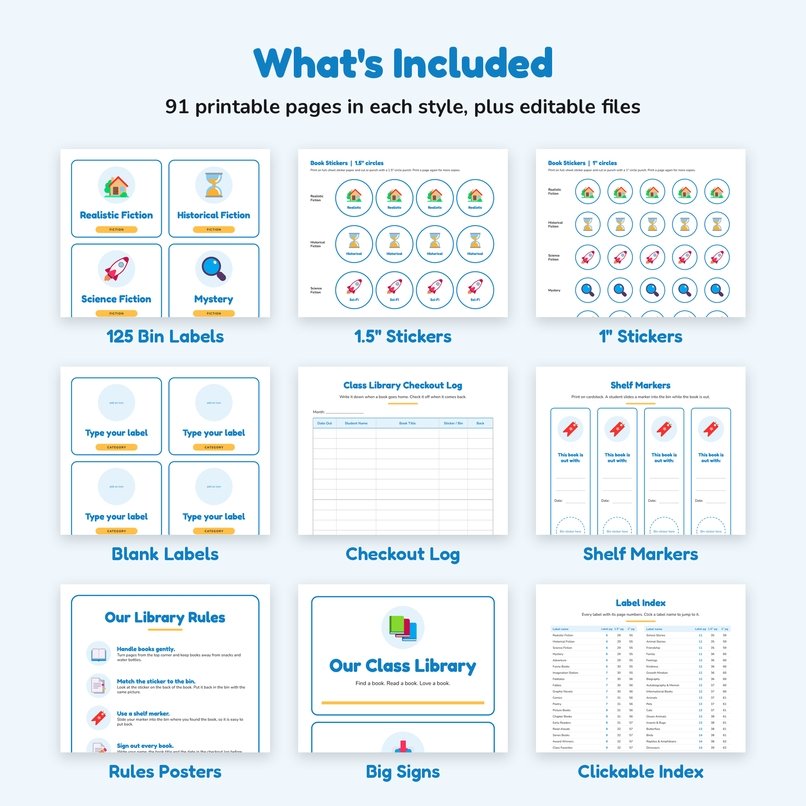
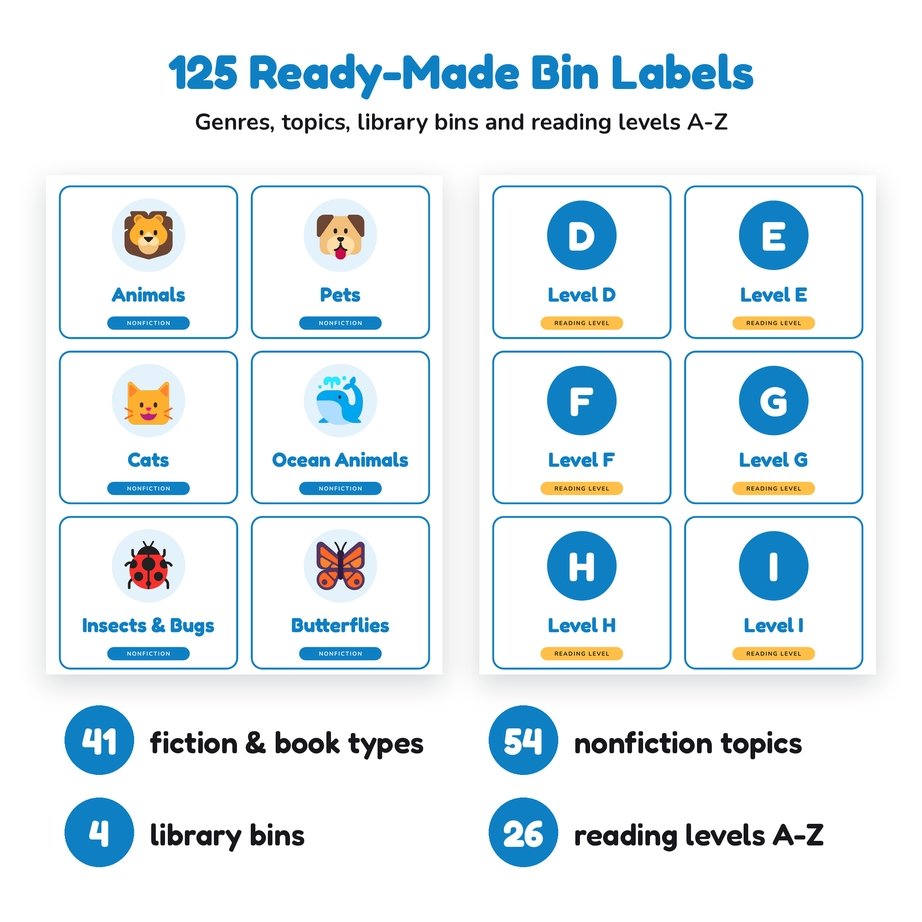
- 125 book bin labels: 41 fiction and book types (Realistic Fiction, Mystery, Graphic Novels, Read-Alouds, Poetry and more), 54 nonfiction topics (Animals, Space, Weather, Human Body, Money, Community Helpers and more), 4 library bins (Big Books, Just-Right Books, Book Hospital, Book Returns) and 26 reading level labels from A to Z.
- Matching classroom library book stickers: 1.5″ stickers, four per row, and 1″ stickers, five per row, for all 125 labels. Print any page again for more copies.
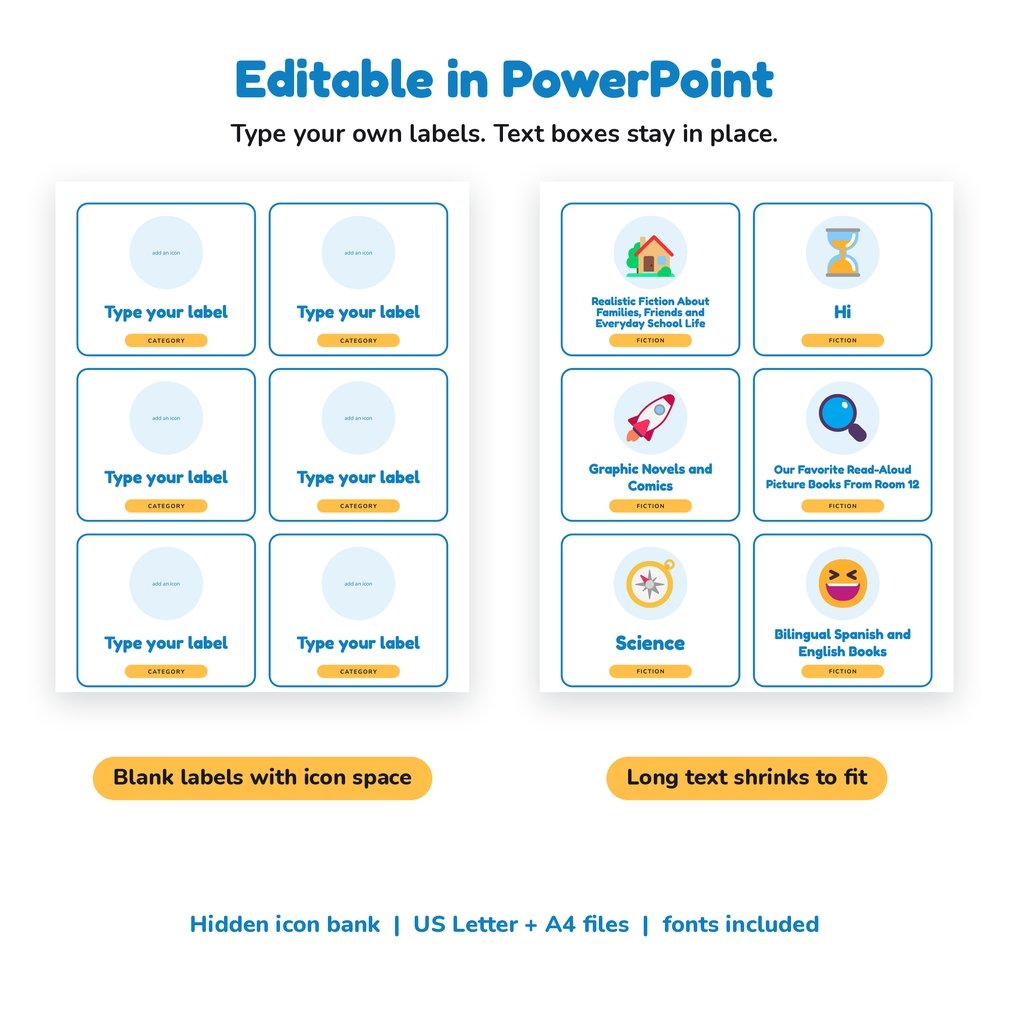
- Editable blank labels and blank stickers: labels with an icon space, text-only labels and blank circles in both sizes.
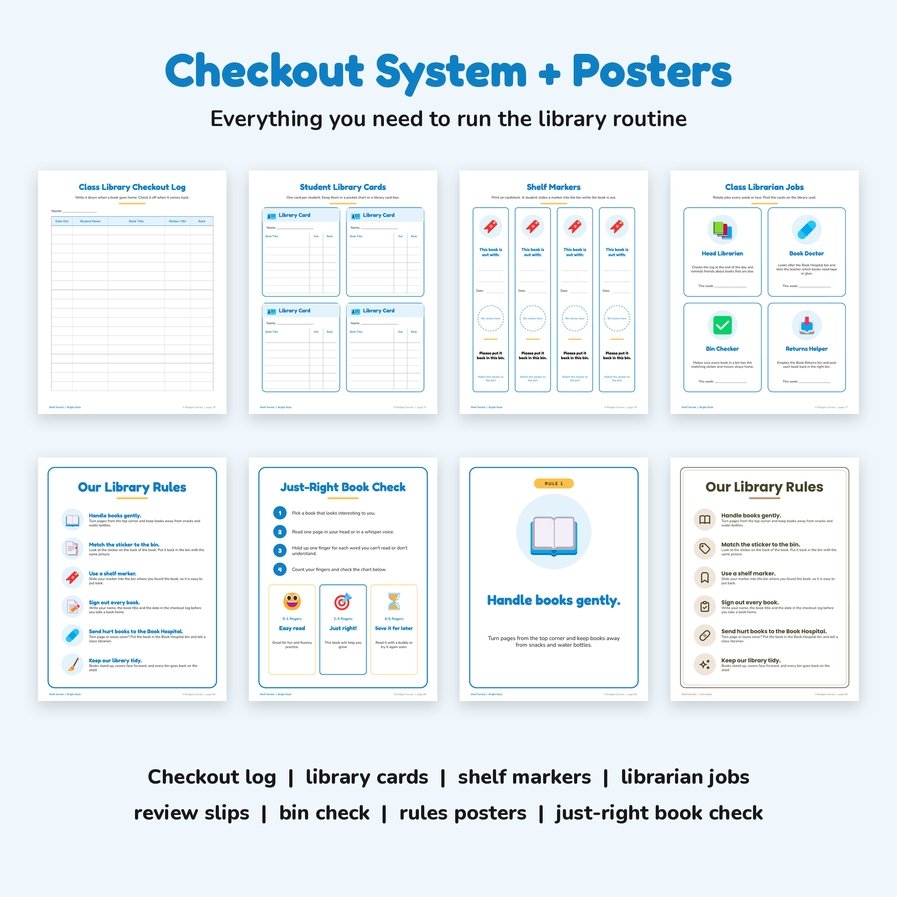
- Checkout system: class library checkout log, student library cards, shelf markers, class librarian job cards, book review slips and a monthly bin check.
- Posters and signs: Our Library Rules, six single-rule posters, a Just-Right Book Check poster, a How to Use Our Library poster and four big half-page signs.
- Teacher notes: a 6-step setup page, printing tips and a clickable label index that lists the label page and both sticker pages for every label.
- User guide (DOCX): setup, editing, sticker printing, a first-week routine, troubleshooting and FAQ.
Two styles for any classroom
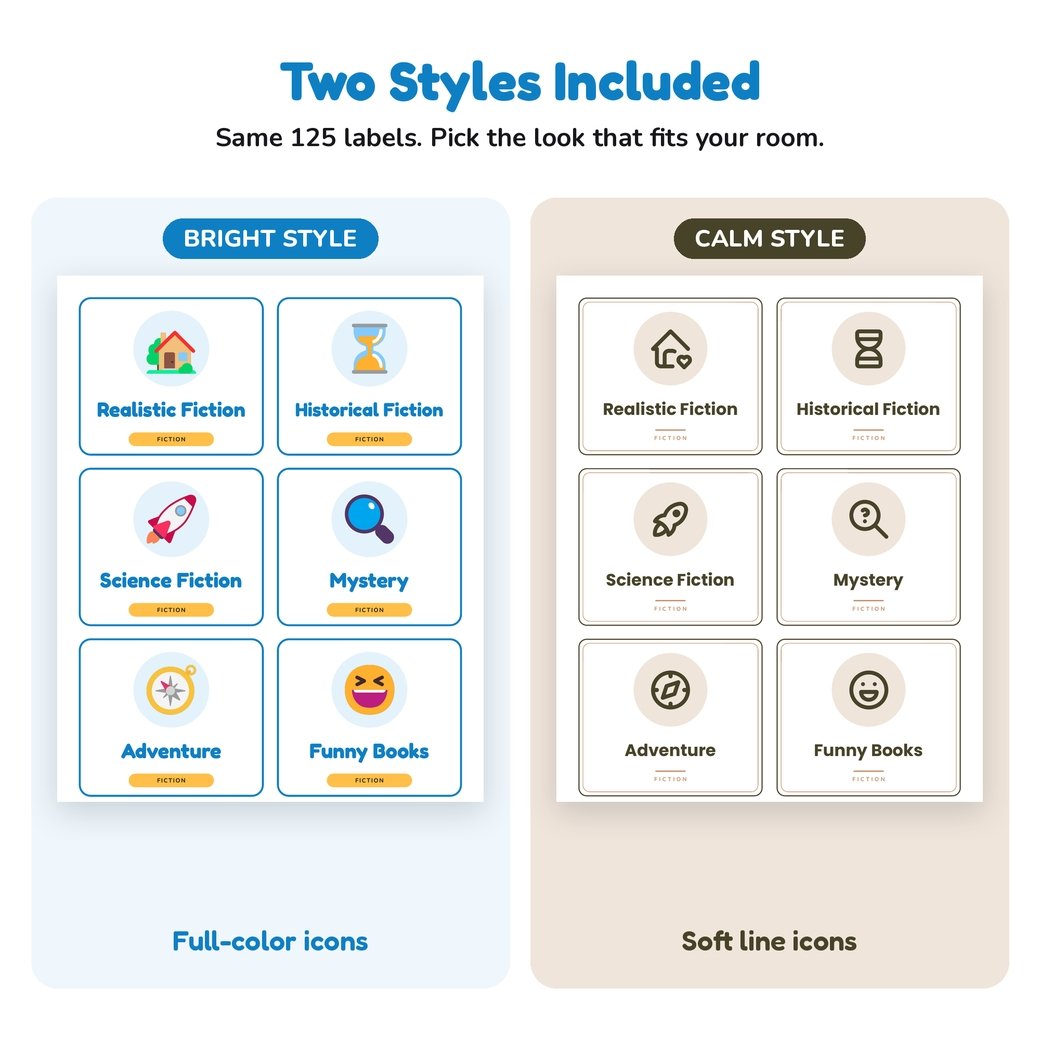
The Bright style uses full-color icons, ocean blue frames and mango yellow tags. It reads well from across a primary classroom. The Calm style uses mocha line icons on soft sand circles with a thin double frame, which suits a neutral or upper-elementary room. Both styles have the same 91 pages in the same order, so page 14 is the same label set in either style.
Fiction and nonfiction are color coded in both styles. In the Bright set, fiction stickers have a blue ring and nonfiction stickers have a yellow ring, so students can spot the difference at a glance.
Book bin labels with matching stickers
Each book bin label measures about 3.65″ x 3.1″ on US Letter (about 3.5″ x 3.3″ on A4), six to a page. That fits the front of most plastic book bins and magazine boxes. The stickers print at exactly 1″ and 1.5″ across, so a standard 1″ or 1.5″ craft circle punch cuts them out in one press. Print on full-sheet sticker paper, or use plain paper and clear tape. Use the large stickers on picture books and the small ones on chapter books and early readers.
Editable library labels in PowerPoint
The ZIP holds four PPTX files (Bright and Calm, US Letter and A4) where every slide matches one PDF page. Click a label, type your own words and the text box stays exactly where it is. Long names shrink to fit the box instead of spilling over the edge. We tested this with long labels such as “Realistic Fiction About Families, Friends and Everyday School Life.” Hidden Icon Bank slides at the end hold every icon in the set plus bonus icons, so you can paste one onto a blank label for a series, an author study or a theme you teach. The free fonts (Fredoka, Poppins and Nunito) are included.
How it works
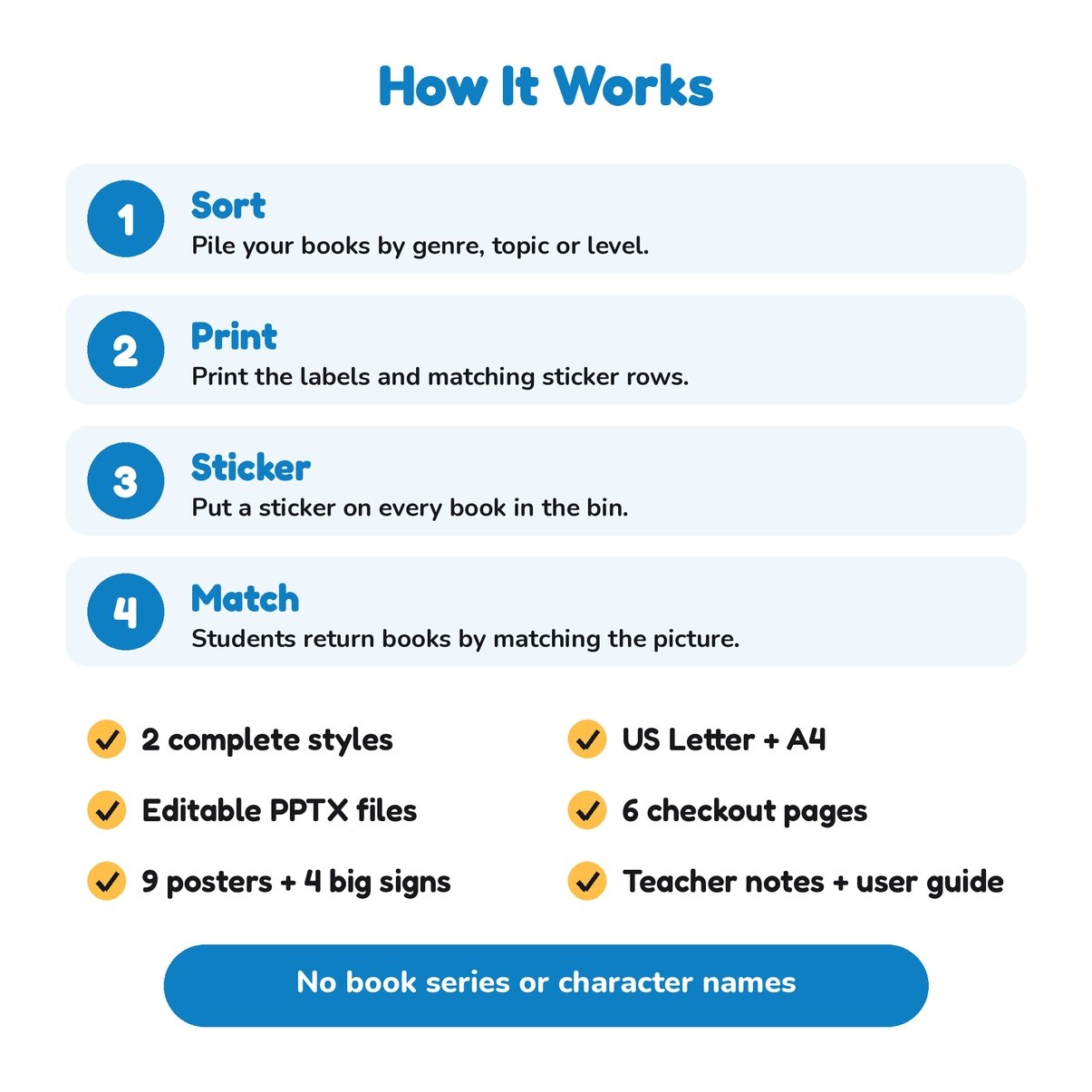
- Sort your books into piles by genre, topic or reading level.
- Use the clickable label index to find each pile’s label and its sticker pages.
- Print the labels on cardstock and the stickers on sticker paper at Actual size.
- Sticker every book in the same spot and attach each label to its bin.
- Teach the routine with the rules posters, the checkout log and shelf markers.
Who it is for
These classroom library labels are made for kindergarten to 5th grade classroom teachers, reading specialists, homeschool families with a home library and school librarians setting up a small leveled library. It works for a brand-new classroom library of 200 books and for a crowded one with 2,000.
Use cases
- Back-to-school setup: label 30 bins in an afternoon and have student helpers sticker the books on day two.
- Guided reading: store leveled books A to Z with level stickers so they always return to the right bin.
- Mid-year reset: add a Book Hospital and Book Returns bin when the library starts to drift.
- Teaching independence: class librarian jobs give four students a real job every week.
File formats and requirements
- 4 print-ready PDFs (Bright and Calm, US Letter and A4), 91 pages each, fonts embedded, clickable contents and index. Open them in any PDF reader such as Adobe Acrobat Reader.
- Editable PPTX files in a ZIP, tested in LibreOffice Impress and built as standard PowerPoint files. Google Slides has not been tested.
- User guide in DOCX (Word or LibreOffice Writer).
- Instant digital download. Nothing ships.
Why teachers choose Shelf Sorted
Many sets of classroom library labels give you a few dozen labels and stop there. Shelf Sorted gives you 125 labels, matching stickers in two sizes, two full styles, editable files that hold their layout, a checkout system and posters that teach the routine. There are no book series or character names, so the labels stay useful as your collection changes.
FAQ
Are book series or character names included?
No. The labels cover genres, topics, formats and levels. Use the blank labels or the PowerPoint files for series you own.
What size are the book stickers?
Exactly 1 inch and 1.5 inches across when printed at Actual size or 100%.
Do I need special sticker sheets?
No. Full-sheet sticker paper works best, and plain paper with clear tape works too. Pre-cut round sheets vary by brand, so line them up in the PowerPoint file and test on plain paper first.
Can I edit the labels?
Yes. Open the PPTX file, click the text and type. Install the included fonts for the best match.
Which reading levels are included?
Letter levels A to Z, as labels and as 1″ and 1.5″ stickers.
Is A4 included?
Yes. Every PDF and PowerPoint file comes in US Letter and A4.
Can I share it with my team?
This is a single classroom license. Each teacher needs their own copy, so please send colleagues to this page.
License
For use in one classroom or home. Print as many copies as you need for your own students. Do not share, resell or upload the files. Icons: Microsoft Fluent Emoji and Tabler Icons (MIT). Fonts: SIL Open Font License.


Reviews
There are no reviews yet.